Repair Guides from Fast Repair
Understand the problem before choosing the repair
Fast Repair publishes plain-language guides based on the symptoms Sacramento customers bring to the shop: water exposure, charging trouble, battery wear, broken screens, data concerns, and game-console faults.
These articles help you protect the device, understand what a diagnosis may involve, and decide when an in-store inspection is the practical next step. A guide cannot replace hands-on testing, but it can help you avoid preventable damage.

Start with these popular repair guides
WATER DAMAGE
The safest first steps after liquid exposure—and the common actions that can make internal damage worse.
CHARGING
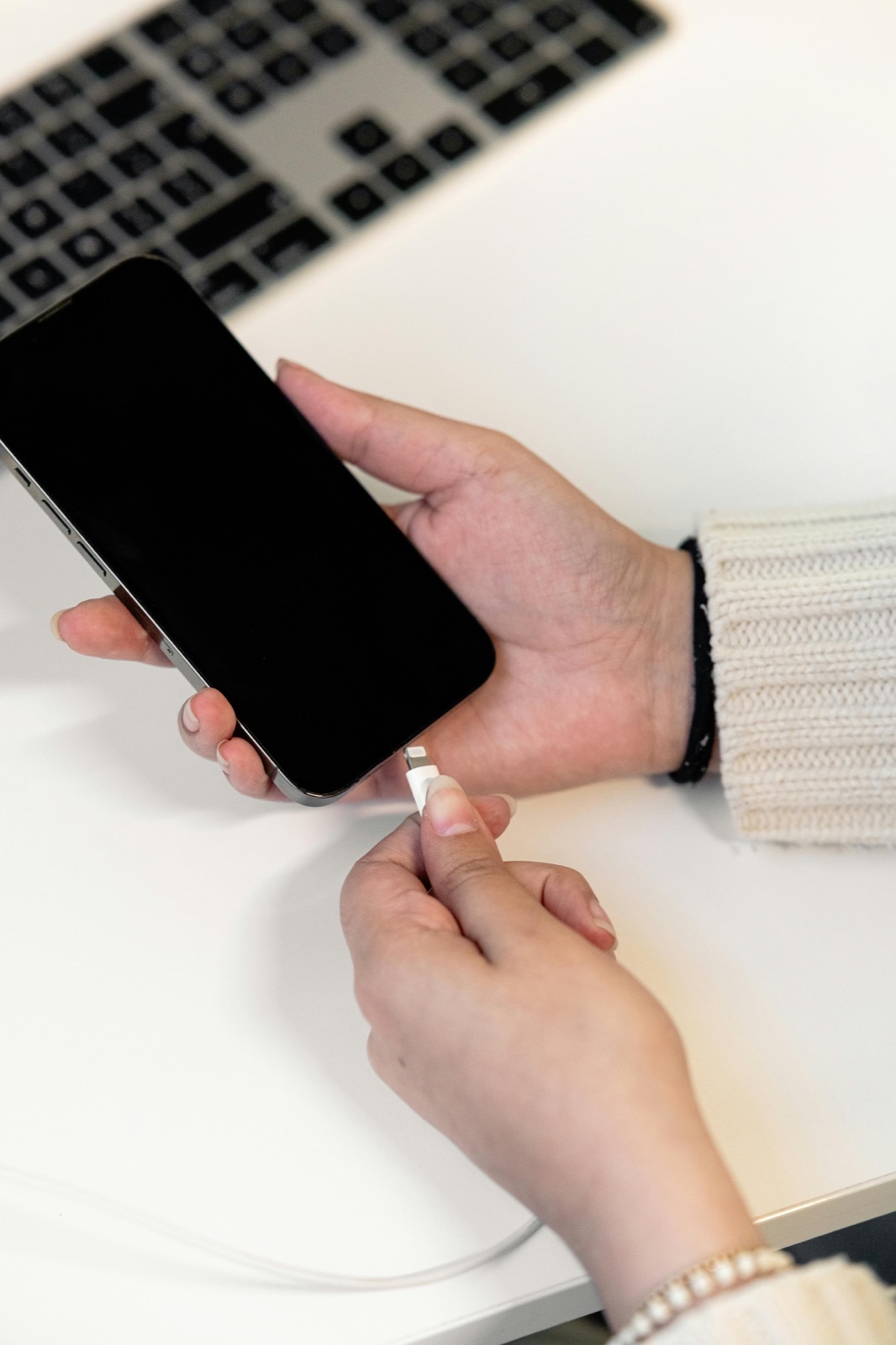
How debris, cable fit, visible damage, and circuit symptoms help separate cleaning from replacement.
SCREEN REPAIR
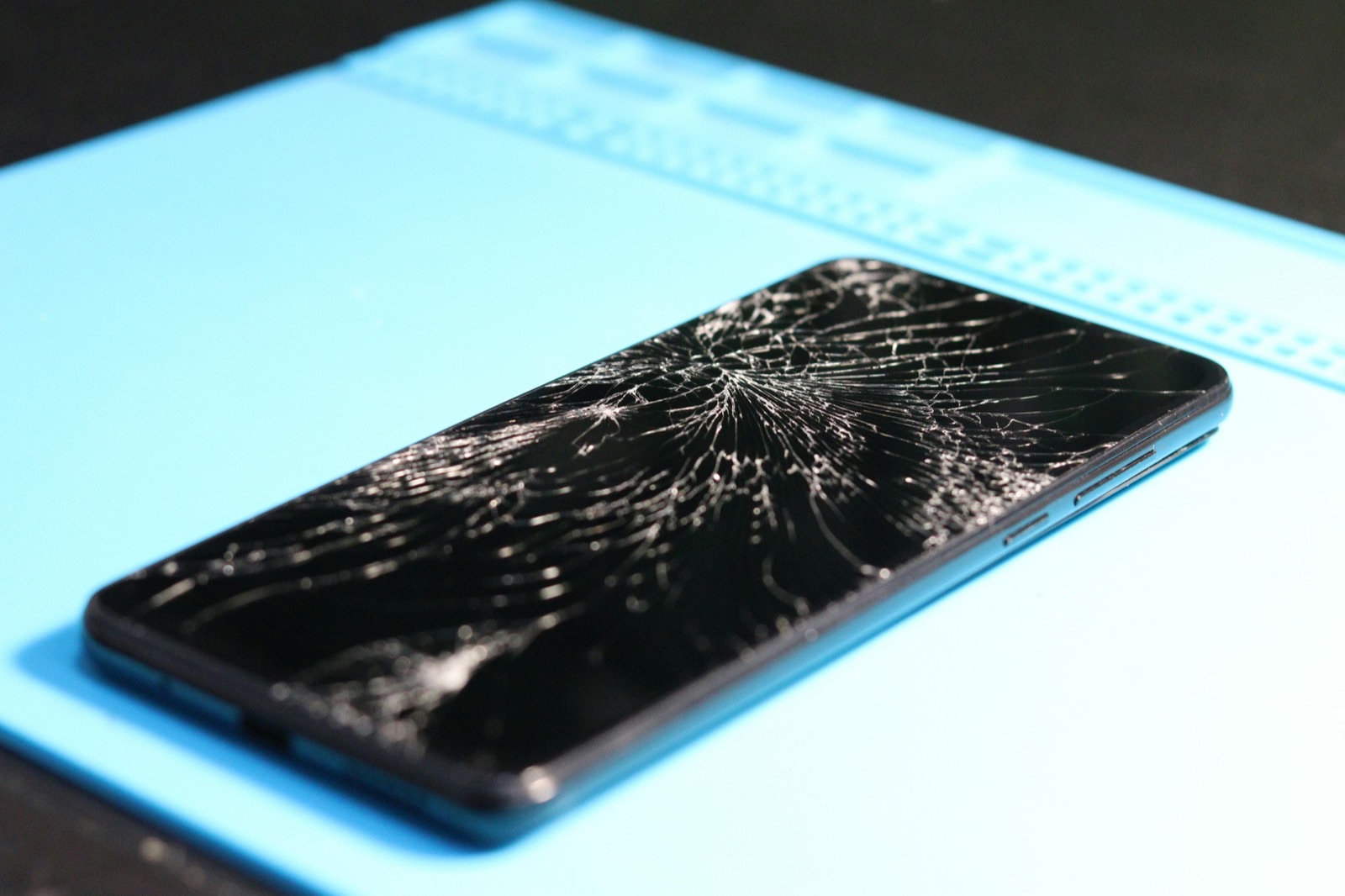
Understand the difference between surface glass damage, display failure, touch problems, and complete screen assemblies.
BATTERY
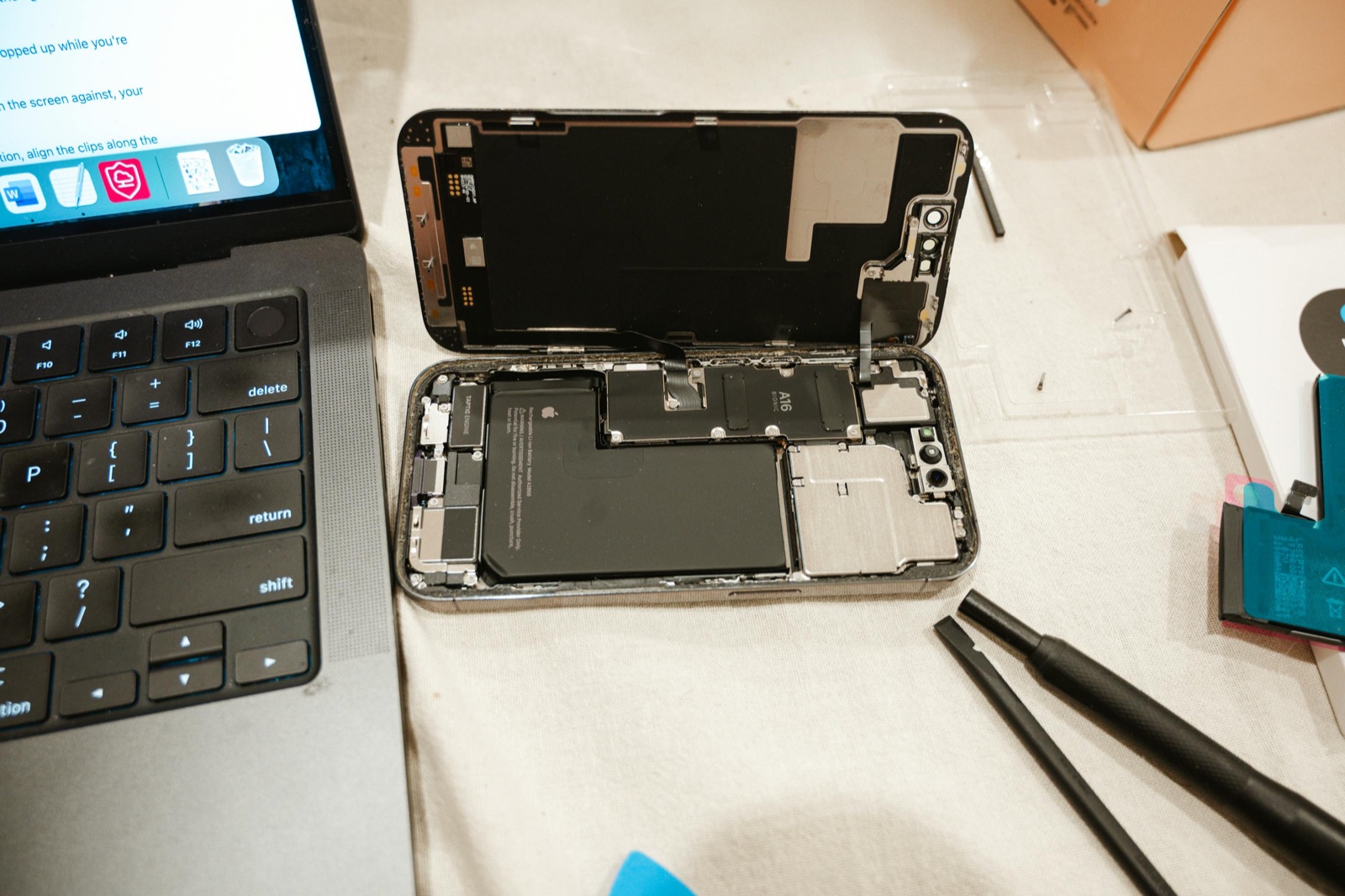
Battery warning signs including rapid drain, unexpected shutdowns, heat, swelling, and unstable performance.
GAME CONSOLES
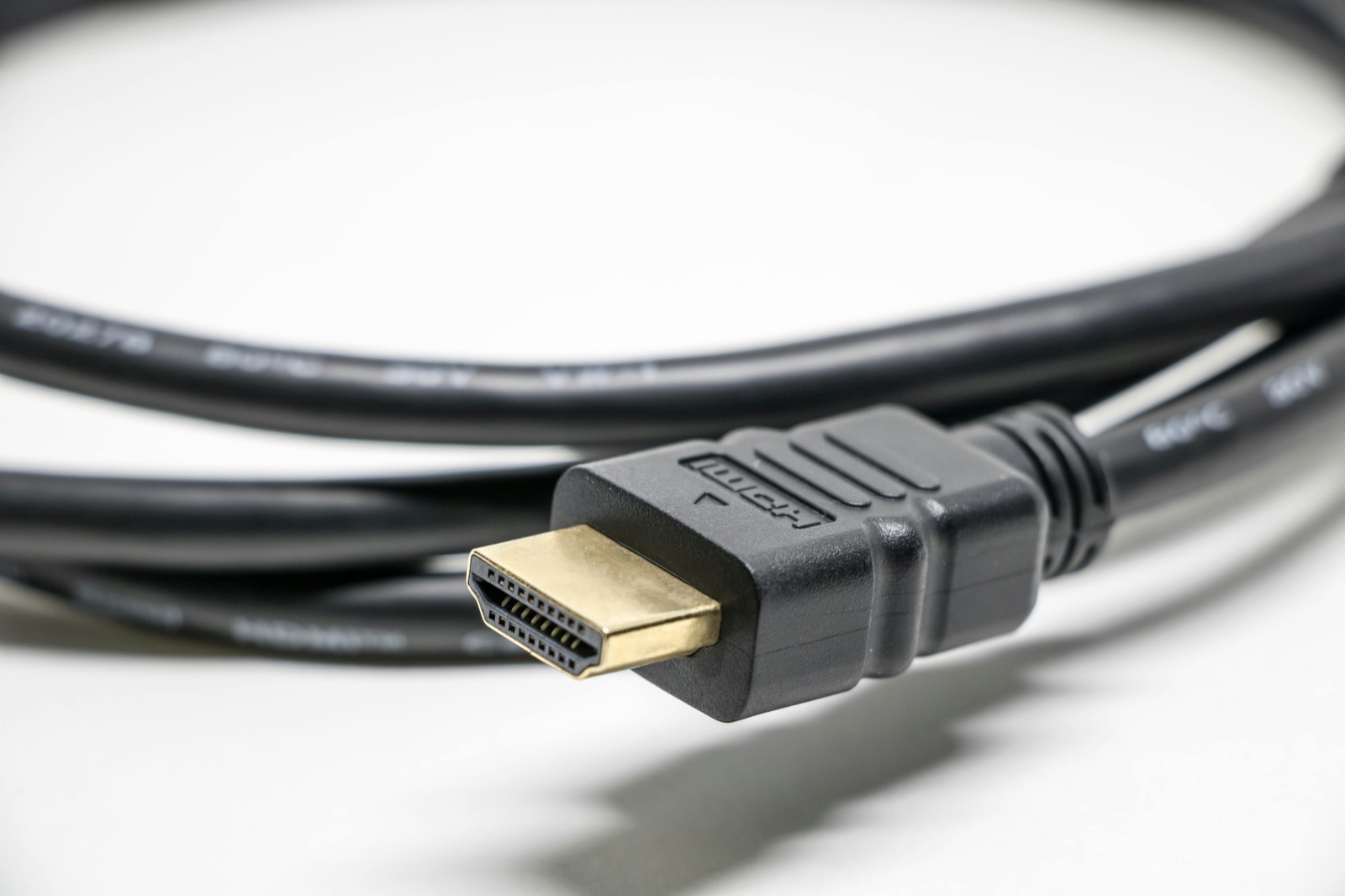
A practical look at cables, ports, board damage, and other reasons a PS5 can show no signal.
DIAGNOSTICS
What Fast Repair checks, what information helps, and why an online estimate may still need an in-store inspection.
How to use these repair guides
Start With the Symptom
Match the guide to what the device is doing, not only to the part you think has failed.
Protect the Device
Follow safety steps first—especially after liquid exposure, battery swelling, heat, or burning odors.
Confirm With a Diagnostic
Model, prior damage, parts, and test results determine the actual repair path, price, and timing.
More practical repair guidance
WATER DAMAGE
What liquid type, power attempts, corrosion, battery condition, and data priorities mean for the repair path.
IPHONE BATTERY
How model, part availability, shop queue, adhesive work, and testing affect replacement timing.
IPHONE REPAIR
Consider safety, camera and charging impact, device value, repair options, and future trade-in condition.
GAME CONSOLES
How airflow restriction, fan faults, thermal material, prior service, and board conditions change diagnosis.
DATA CARE
A practical checklist for photos, contacts, messages, authentication access, and account recovery before repair.
REPAIR INTAKE
Bring the right device details, accessories, symptoms, and account access information for a clearer diagnosis.
- Still not sure which guide matches your device problem?