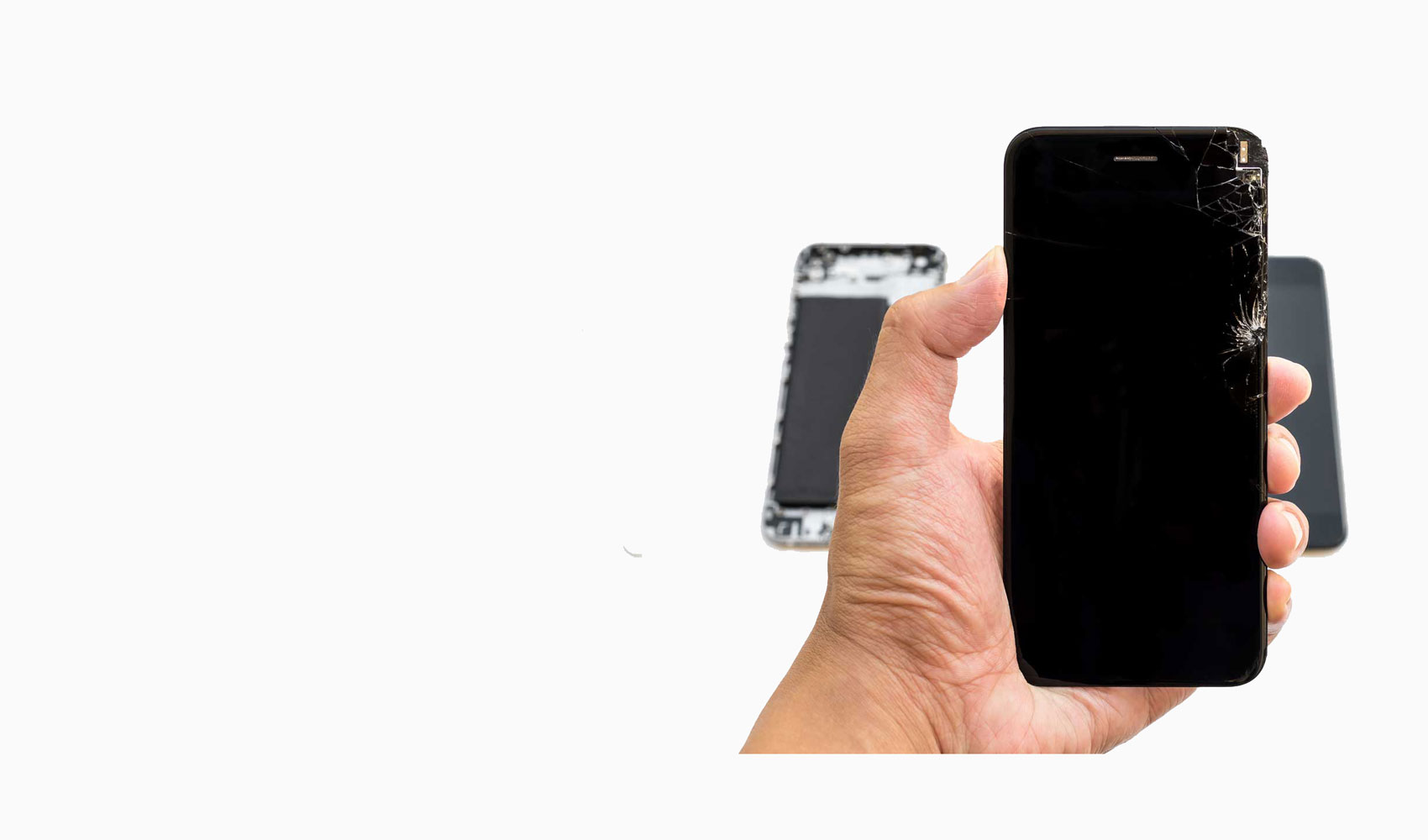
Customer data is part of the repair risk — not an afterthought
Fast Repair treats customer data as part of the repair risk, not an afterthought. Phones, tablets, MacBooks, and laptops can hold photos, messages, business files, school work, passwords, and personal accounts. The DataCare Protocol explains how we approach repairs where privacy, backup status, or data loss could matter.
Technicians access only what is needed to diagnose, test, or complete approved work.
Permission Before Data Actions
Copying, transferring, wiping, resetting, or backup service requires customer approval.
Backup and Risk Guidance
Water, no-power, storage, and boot-loop risks are explained when they affect data options.
Important: Some repairs need no personal-file access. When testing or account access is relevant, Fast Repair explains the reason and customer choice first.
PRACTICAL FAST REPAIR GUIDANCE
Policy details
What The Protocol Covers
Limited access: technicians access only what is needed to diagnose, test, or complete the approved repair.
Permission first: no data copy, transfer, wipe, reset, or backup service is performed without customer approval.
Backup guidance: when the device condition allows, we recommend a backup before major repair work or software changes.
Clear risk notes: water damage, no-power devices, failing storage, and boot-loop symptoms are explained before work starts.
When DataCare Matters Most
Data handling is especially important for water-damaged iPhones, non-booting MacBooks, business laptops, school devices, and phones that may need board-level or software diagnostics. Some repairs can be completed without touching personal files. Other repairs may require testing, account access, or a customer-approved backup step. We explain that distinction before moving forward.
DIAGNOSIS AND NEXT STEPS
How it works in practice
Customer Choices
You can ask us to avoid opening personal apps, explain backup options, document what will be tested, or pause before any data-impacting step. If a repair is risky, we will explain the trade-off between repair, recovery, backup, and replacement so you can choose the path that makes sense.