
Possibly, but powering on does not rule out corrosion or delayed failure. Turn it off and arrange an inspection.
FAST REPAIR
Phone Water Damage Repair in Sacramento
HomePhone Water Damage Repair in Sacramento
Trusted by Sacramento customers
“The workmanship was quality and professional. I’ll send everyone there in the future and the price was reasonable.”
naochea — Google reviewer
“My phone was fully functional within two hours. Highly recommended! The price is fair, not expensive like other places I called.”
Lac Dang — Google Local Guide
“Done super quickly, fair pricing, and quality customer service!”
Fast Repair customer — Google reviewer
SACRAMENTO REPAIR SHOP
Walk In or Start With an Estimate
Walk-ins are welcome at 4424 Freeport Blvd, Suite 4. You can also request an estimate before your visit.
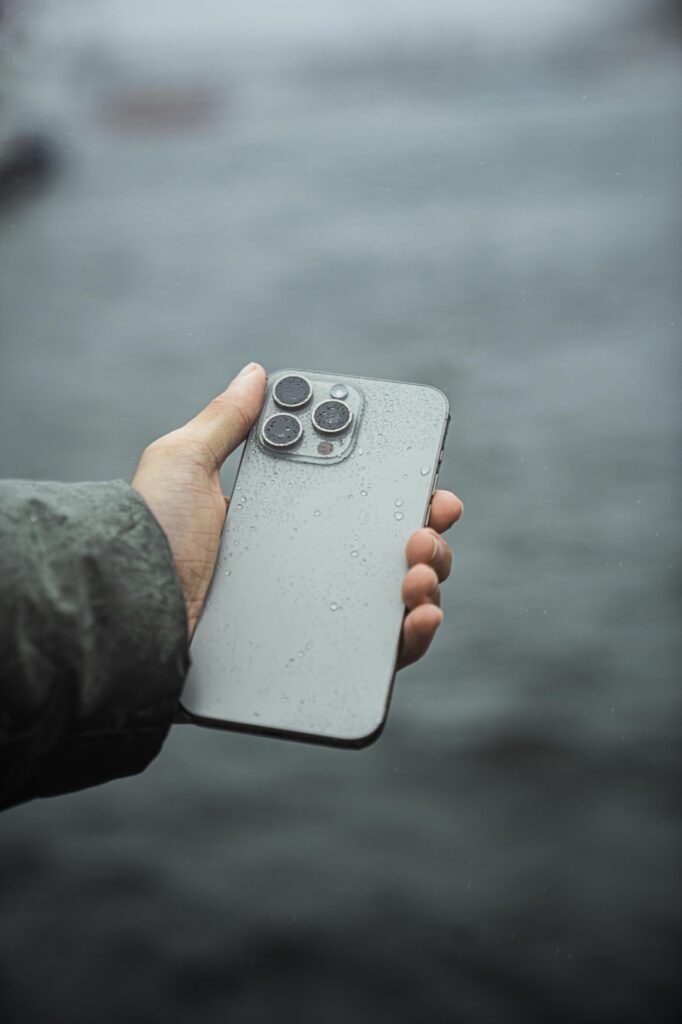
LIQUID DAMAGE DIAGNOSIS
Phone Water Damage Repair in Sacramento
Fast Repair inspects liquid-exposed phones for corrosion, battery and charging faults, display and camera problems, audio issues, board damage, and data-recovery risk. Power the phone off and bring it in promptly instead of charging or heating it.
Data-Conscious Inspection
We document what happened, whether the phone still powers on, and whether your photos or other data are the priority.
Honest Repair Options
We explain whether cleaning, part replacement, board work, recovery, or replacement is the practical path.
WHAT WE DIAGNOSE
Common Water-Damage Symptoms
No Power After Exposure
The phone shut off immediately or stopped turning on later.
Charging Problems
Moisture or corrosion affects the port, battery, or charging circuit.
Display or Touch Failure
The screen flickers, shows lines, goes black, or stops responding.
Camera or Audio Trouble
Lenses fog, speakers sound distorted, or microphones stop working.
Heat, Odor, or Battery Swelling
Electrical shorts and battery damage can create an urgent safety concern.
Delayed Corrosion Symptoms
A phone works at first but develops faults hours or days later.
DEVICE INSPECTION
What Changes the Water-Damage Repair Path
Liquid Type and Time
Fresh water, salt water, beverages, and how long the device stayed wet change corrosion risk.
Power and Charging Attempts
Continuing to power or charge a wet phone can accelerate electrical damage.
Battery Condition
Heat, odor, swelling, or unstable power requires special handling.
Board and Connector Corrosion
Residue can affect shields, connectors, chips, traces, and power rails.
Data Priority
Repairing the phone for use and recovering important data can require different decisions.
Prior Repairs and Seals
Earlier openings or damage can reduce sealing and change where liquid travels.
DO NOT WAIT
What To Do Immediately
Power the Phone Off
Do not keep checking whether it still works.
Do Not Charge It
Connecting power while moisture remains can worsen short circuits and corrosion.
Do Not Use Rice or Heat
Rice does not remove internal residue, and heat can damage the battery, display, and adhesives.
Remove the Case if Safe
Dry the exterior and remove accessories without forcing swollen or hot parts.
Avoid Buttons and Shaking
Movement can spread liquid into additional areas.
Bring It In Promptly
Corrosion continues after the outside looks dry, so early intake improves the diagnostic opportunity.
FOUR CLEAR STEPS
Our Water-Damage Repair Process
1. Record the Exposure
We note the liquid, timing, symptoms, power attempts, and data priority.
2. Safety & Internal Inspection
We evaluate battery risk, moisture indicators, corrosion, connectors, and affected systems.
3. Approve the Path
We explain cleaning, parts, board work, recovery options, cost, timing, and uncertainty.
4. Repair & Function Test
After approved work, we test power, charging, display, touch, cameras, audio, radios, and other affected functions.
SAFE FIRST STEPS MATTER
What To Do Before You Arrive
Turn the phone off, disconnect charging, remove the case if it is safe, and gently dry the exterior. Do not use rice, a hair dryer, an oven, compressed heat, or repeated power tests.
Tell us what liquid was involved, when it happened, and whether the device contains irreplaceable data.
INSPECTION DETERMINES THE ANSWER
Can a Water-Damaged Phone Be Saved?
Some devices need cleaning and one affected part. Others have corrosion across several systems or board-level damage. A phone that still turns on is not automatically safe or fully recovered because corrosion can create delayed failures.
Fast Repair explains repair value, data options, and uncertainty before major work.
COMMON QUESTIONS
Phone Water Damage Repair FAQs
No. Applying power while moisture or residue remains can worsen electrical damage.
No. Seals wear, impact can compromise them, and manufacturer water-resistance ratings do not prevent every real-world exposure.
CONTINUE READING
Repair Guides & Helpful Pages
iPhone Water-Damage Repair
Review iPhone-specific liquid symptoms, data priorities, and repair paths.
Charging-Port Repair
See how moisture, corrosion, batteries, and connectors affect charging.
Start My Repair Estimate
Tell us the phone model, liquid, timing, symptoms, and data priority.
Visit Fast Repair
Get Sacramento directions, hours, and walk-in information.
- Need a prompt, data-conscious water-damage assessment?
Need device-specific water-damage help?
Some liquid-damage problems are easier to understand when the advice matches the device. Use the brand-specific pages below if the issue involves an iPhone, a Samsung phone, or a MacBook spill.