
Cracked Screen vs LCD Damage: What Is Actually Broken?
Cracked glass, touch failure, and display damage are not the same
Learn the difference between cracked screen vs LCD damage so you can understand what repair your phone actually needs before check-in.
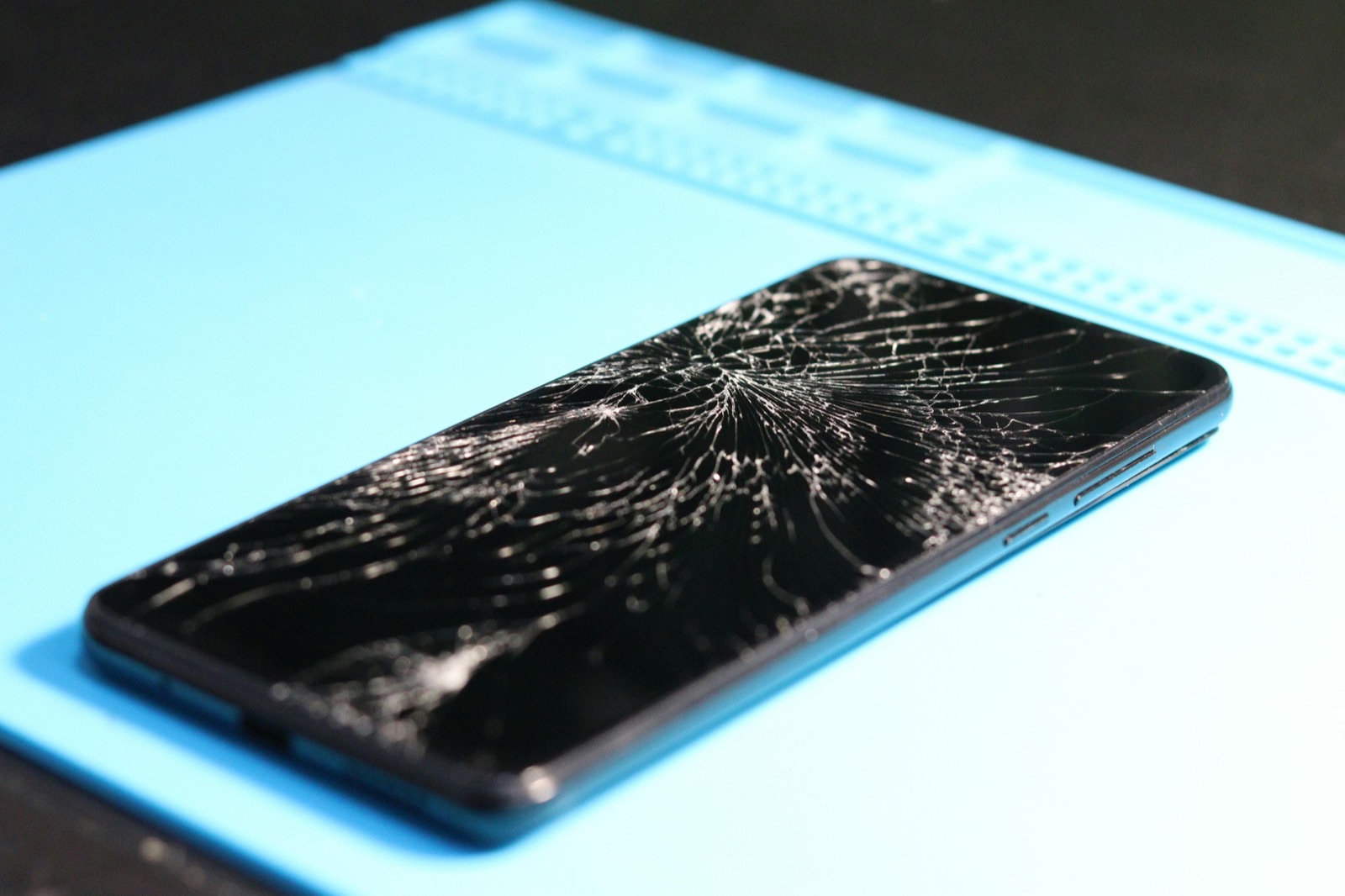
Customers often describe any front-screen damage the same way: "My screen is cracked." From a repair standpoint, that description is usually incomplete. A phone can have cracked outer glass, touch problems, black spots, green lines, no image, or a combination of those at the same time. The repair decision depends on which layer actually failed.
The three layers customers most often confuse
Outer Glass
The surface may be cracked while image and touch still work normally.
LCD or OLED Panel
Lines, black spots, ink-like areas, flicker, or no image point deeper.
Touch Layer
Dead zones, ghost touch, or incorrect taps can exist with or without visible cracks.
Important: Impact can damage more than the visible glass. The frame, cameras, sensors, battery, and internal connections may also need inspection.
Practical guidance
Cracked screen vs LCD damage: the three parts people confuse
In simple terms, most front-screen complaints involve one or more of these:
- outer glass damage
- touch layer problems
- display panel damage, usually LCD or OLED depending on the phone
The reason this matters is cost, repair complexity, and whether the phone is still safe to keep using.
What cracked glass usually looks like
Glass damage usually means the front surface is visibly cracked, chipped, or spidered, but the phone still shows a normal image and touch still works across the screen. That is the cleaner scenario.
Even then, cracked glass is not harmless. It can get worse over time, expose the display underneath, and make the device more vulnerable to moisture and pressure damage.
What LCD or OLED damage usually looks like
Display panel damage usually shows up as:
- black blotches or ink-like spreading spots
- vertical or horizontal lines
- flickering image
- half the screen missing
- no image even though the phone vibrates or rings
- bright green, white, or distorted output
When those symptoms appear, the problem is more than the outer glass.
What touch damage looks like
Sometimes the image looks normal but touch stops responding in one area, taps by itself, or becomes inconsistent. That can point to a damaged digitizer, a compromised display assembly, or flex damage from impact.
From the user side, it still feels like "screen damage," but the internal failure is different.
Why two cracked phones can need different repairs
Two phones can hit the floor in similar ways and end up with different repair needs. One may only show surface cracks. Another may have internal display damage, face-frame deformation, or lifting around the edge that affects how the new screen will seat.
That is why repair pricing cannot be based only on whether the glass cracked.
What inspection and next steps should answer
Signs the phone should be backed up immediately
If the phone still turns on, back up important data as soon as possible when:
- the display is flickering
- touch is unreliable
- black areas are spreading
- the screen cuts in and out
- the phone heats up after impact
A damaged display can become unusable quickly, even if it was partly functional right after the drop.
What else a screen impact can damage
A screen drop can come with more than just screen damage. Depending on the hit, the phone may also have:
- bent frame or housing damage
- front camera issues
- Face ID or sensor issues on some models
- battery or back-glass impact damage
- charge-port or board stress after a hard drop
A high-quality repair intake should note these risks before the screen is approved.
Why "glass-only" assumptions cause problems
A lot of customers search for the cheapest possible answer and assume the repair should be glass-only. That is not always compatible with the actual phone design or damage pattern. On many devices, the display assembly is serviced as a complete unit because the touch and image layers are integrated.
The correct repair is the one that restores stable image and touch, not the one that only sounds cheaper in theory.
Sacramento-specific guidance
If your phone still works after a drop, do not wait until the screen goes completely black before getting it checked. A cracked screen with early LCD or OLED damage often becomes a more disruptive repair simply because the user waited until the device became unusable.
Bottom line
"Cracked screen" is a customer description, not a full diagnosis. The real question is whether the damage is limited to the glass or whether the touch layer or display panel is already failing. Black spots, lines, flicker, missing image, and ghost touch usually mean the problem goes beyond the glass.
Cracked glass and display-damage questions
If the glass is cracked but the image still works, can I wait?
You can, but the phone is more exposed to worsening damage and moisture. It is safer to repair before the condition spreads.
Why is the screen black if the phone still vibrates?
That usually points to display failure rather than a total phone failure.
Do lines on the screen mean LCD damage?
They usually mean panel damage or display-path damage, not just surface glass damage.
Can a drop damage the screen and something else at the same time?
Yes. Frame, camera, sensor, and internal connection issues can accompany display damage.
Continue with Fast Repair
Romero’s black-screen repair
See one documented iPhone 11 black-screen repair and its limits.
- Is your phone cracked, showing lines, black, flickering, or responding incorrectly to touch?