
PS5 No Signal: Is It the HDMI Port or Something Else?
A PS5 no-signal symptom does not automatically mean the HDMI port failed
PS5 no signal issues can come from a damaged HDMI port, a cable problem, or a deeper board fault. Learn what to check before repair.
A PS5 with a "No Signal" message does not automatically need the same repair every time. The HDMI port is one of the most common failures, but it is not the only one. Cables fail, TVs fail, settings get corrupted, and in some cases the damage goes deeper than the port itself.
The mistake many owners make is assuming any video problem means a simple connector swap. Sometimes it is. Sometimes it is not.
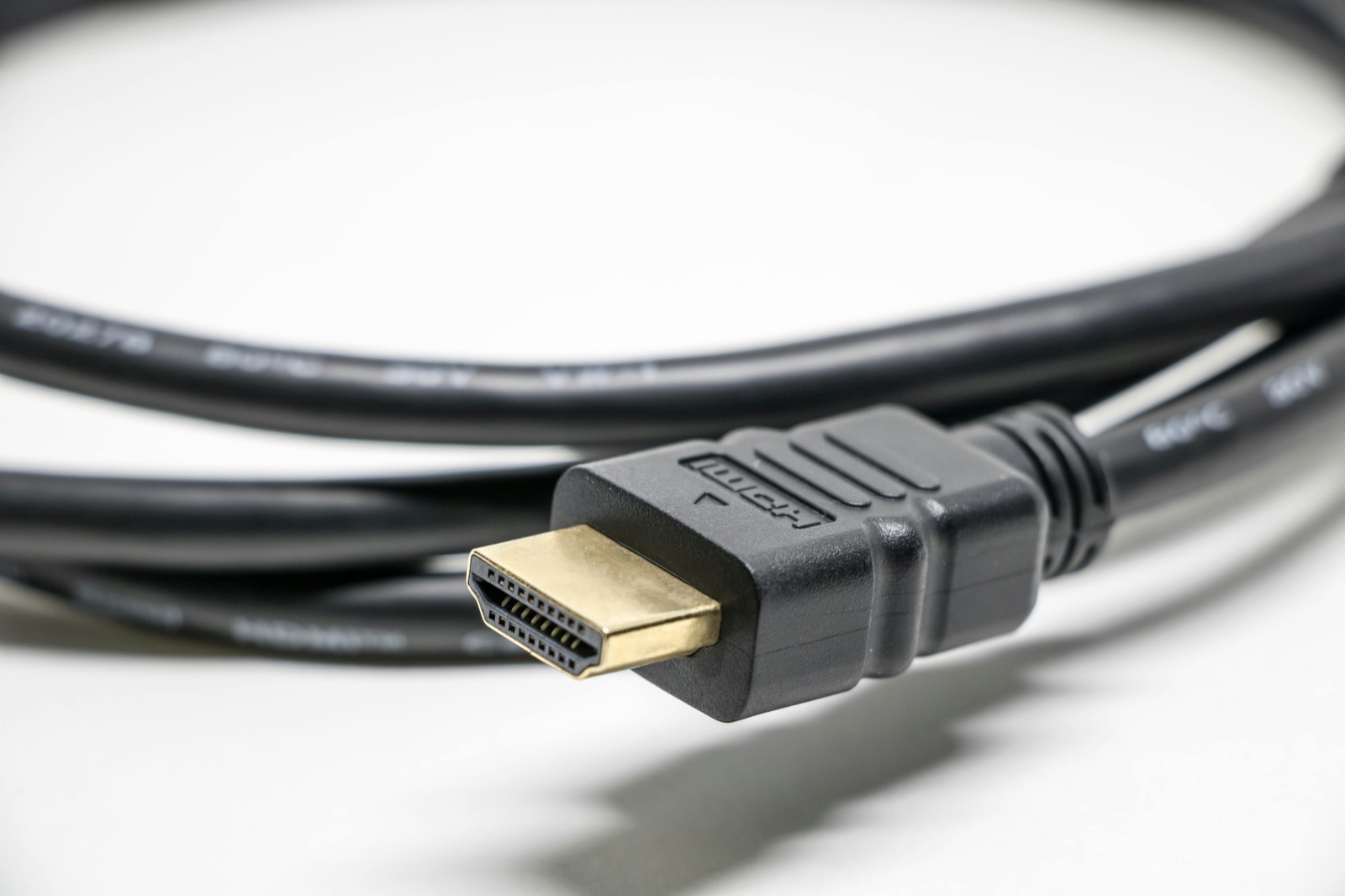
Rule out the simple causes before assuming board repair
Test the Signal Path
A known-good cable, input, and display can separate an accessory problem from a console problem.
Inspect the Port Carefully
Movement, bent contacts, visible damage, or a loose fit make port damage more likely.
The Fault Can Be Deeper
HDMI circuitry, board damage, software state, or power faults can produce a similar symptom.
Important: Do not force, bend, or repeatedly hold the cable at an angle. That can turn a connector problem into pad or board damage.
Practical guidance
PS5 no signal: the most common causes
A no-signal complaint usually falls into one of these buckets:
- damaged HDMI port
- damaged HDMI pins or loose port fit
- bad HDMI cable
- display or input problem on the TV or monitor
- video output setting issue
- board-level failure in the HDMI path
- damage after a drop, cable yank, or prior repair attempt
The visible symptom can look the same while the actual repair changes a lot.
Signs the HDMI port is the likely problem
The port is a strong suspect when:
- the cable feels loose or falls out easily
- the port looks bent, crushed, or pushed inward
- one or more internal pins appear out of place
- the issue started after the console or cable was bumped hard
- the console powers on normally but never produces image on multiple displays
In these cases, port damage is often the first thing to inspect.
Signs it might be more than the port
A board-level issue becomes more likely when:
- the port looks normal but there is still no image
- the console had a failed prior HDMI repair
- the image flickers, cuts out, or shows artifacts before disappearing
- the console shows signs of liquid exposure or impact
- the console overheats or behaves abnormally at startup
This is where good intake matters. The console may need more than a physical port replacement.
Before assuming the console needs repair
There are a few safe checks you can do before bringing it in:
- test a known-good HDMI cable
- test a different TV or monitor
- confirm the display is on the correct input
- check whether the cable seats firmly at both ends
- note whether the issue is constant or intermittent
These steps help rule out the easy failures. They do not replace a real inspection if the port is physically damaged.
What not to do
Do not force the cable into a damaged port. Do not keep wiggling the connector to chase an image. Do not trust a random marketplace repair just because the symptom sounds simple.
A damaged PS5 HDMI port can involve torn pads, lifted traces, or related video-path damage. Rough handling makes that worse.
What inspection and next steps should answer
What to bring for a faster intake
If you are bringing a PS5 in for no-signal diagnosis, bring:
- the console
- one known-good HDMI cable if you have one
- a short note on what happened before the issue started
- any details about prior repair attempts
That context helps reduce guesswork and makes the intake more useful.
What changes the repair decision
At the bench, the real question is not only "Is the port broken?" It is also:
- is this a clean connector failure or a deeper board issue?
- are the pads and traces still intact?
- was there previous rework on the board?
- is the rest of the console behaving normally?
Those answers affect cost, timing, and whether the repair is worth approving.
When repair is usually worth it
Repair usually makes sense when the console is otherwise stable, the issue is limited to the port or related path, and the rest of the unit has value to preserve. It makes less sense when the damage is stacked on top of overheating, liquid exposure, or prior poor-quality solder work that materially changes the risk.
That is why a good shop should tell you both the likely repair and the uncertainty before work starts.
Sacramento-specific guidance
If you are in Sacramento and your PS5 powers on but the display stays blank, do not keep repeating the same cable tests for days. Document the symptom, bring the console in, and let the inspection determine whether you are dealing with a connector problem, a board problem, or a display-side issue.
Bottom line
PS5 no-signal issues are often HDMI-related, but not always. A loose or visibly damaged port is the strongest clue. A normal-looking port with no image can still hide a deeper failure. The right repair starts with knowing which kind of failure you actually have.
PS5 no-signal and HDMI questions
Can a bad HDMI cable cause the same symptom as a broken port?
Yes. That is why a known-good cable test matters before making repair assumptions.
If the port looks fine, can it still be damaged?
Yes. Internal damage or board-side faults can exist even when the outer shell looks normal.
Should I use safe mode first?
If the console still outputs video intermittently, safe mode can help rule out settings issues. If there is never any signal and the port is visibly damaged, hardware inspection is the better next step.
Can a broken HDMI port damage the mainboard?
It can be associated with board damage, especially after impact, forced cable movement, or bad prior repair work.
Continue with Fast Repair
Game-console repairs
Explore PlayStation, Xbox, Nintendo, and board-level repair options.
- Does your PS5 power on but show no picture, flicker, or lose signal when the cable moves?