
What to Do in the First 30 Minutes After Phone Water Damage
The first 30 minutes can change the repair path
Learn what to do in the first 30 minutes after phone water damage, what to avoid, and when to bring the device in for inspection.
Water damage is one of the few phone problems where the first half hour actually matters. The goal is not to make the phone look dry from the outside. The goal is to stop electricity from moving through wet components long enough to avoid more damage.
If your phone was dropped in water, exposed to rain, spilled on, or left in a wet pocket, act like the inside is still wet even if the outside looks fine.
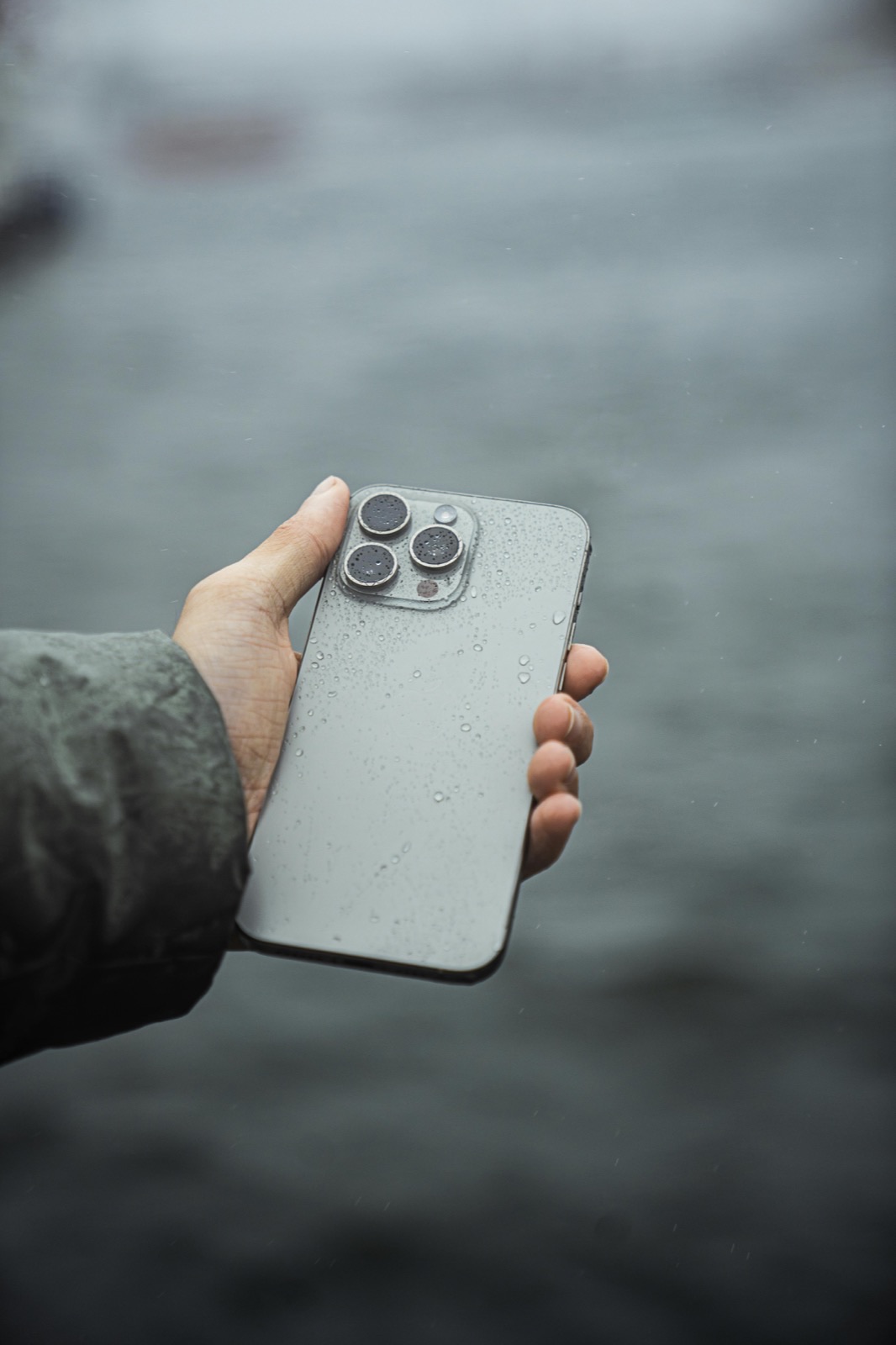
Act quickly without making the damage worse
Turn It Off
Stop using the phone and keep it powered down after exposure.
Do Not Charge
Do not test the device with a cable while moisture may be inside.
Skip Rice and Heat
Dry only the outside and arrange inspection instead of using heat or rice.
Important: A phone that still works can still develop corrosion. This guide reduces avoidable risk; it cannot confirm the internal condition.
Practical guidance
First 30 minutes after phone water damage: step 1
If the phone is still on, turn it off. Do not keep checking the screen to see if it still works. Every extra minute with power running through a wet device increases the chance of shorting, corrosion, or damage spreading to parts that were not originally affected.
If the phone is already off, keep it off.
Step 2: Remove the case and anything attached
Take off the case, unplug accessories, and remove anything holding moisture against the phone. If the model has a SIM tray you can safely remove, take it out so trapped moisture has one less place to sit.
Do not spend ten minutes disassembling the phone yourself unless you already know exactly what you are doing. A rushed DIY opening usually bends seals, tears cables, or pushes liquid deeper.
Step 3: Dry the outside only
Use a clean lint-free cloth or paper towel to dry the exterior. Focus on ports, speaker openings, buttons, and seams. The purpose here is basic surface cleanup, not a fake "full dry" before repair.
Do not shake the phone aggressively. That can push liquid farther inside.
Step 4: Do not plug it in
This is one of the biggest mistakes people make. A phone that looks dead or low on battery after water exposure should not be connected to a charger just to test it. Charging can create new short paths and turn a recoverable device into a board-level failure.
If the phone was exposed to liquid and now will not turn on, that does not automatically mean the battery is the problem.
Step 5: Skip the rice and skip the hair dryer
Rice does not remove liquid from under shields, connectors, or board components. What it often does is delay proper inspection while corrosion keeps developing. Hair dryers and heat guns create a different problem: they can move moisture deeper, soften adhesives, and damage screens or batteries.
If you want to improve the odds, the best move is fast professional inspection, not a kitchen experiment.
What usually happens inside a wet phone
Water damage is not one single failure. Different phones come in with very different internal conditions, including:
- minor moisture near one connector
- corrosion around the charging area
- residue on the battery or display connectors
- board-level damage that starts small and gets worse over time
- speaker, microphone, camera, or Face ID issues that show up later
That is why "it turned back on" does not always mean the phone is safe. A water-damaged phone can appear normal at first and fail again later when corrosion spreads.
What inspection and next steps should answer
When you should bring it in immediately
Bring the device in as soon as possible if any of these apply:
- the phone will not power on
- the screen is black, flickering, or showing lines
- the phone gets hot after exposure
- charging behaves strangely
- speakers sound muffled
- cameras fogged up after the incident
- the phone restarted on its own
- important data is still on the device
The faster the inspection happens, the better the chance of stopping damage before corrosion gets worse.
What we check during a water-damage intake
At Fast Repair, the first goal is to determine whether the damage is limited or whether the liquid reached critical areas. That usually means checking for visible moisture indicators, corrosion risk, connector contamination, charging behavior, and signs of board-level damage.
For some devices, the right answer is immediate cleaning and stabilization. For others, the priority is deciding whether the phone is a repair candidate, a data-recovery candidate, or not worth the cost.
What not to promise after water damage
No honest shop should promise every wet phone can be fully saved. Some devices come in after too much time, too much corrosion, or too much power cycling. The useful question is not "Can you guarantee it?" The useful question is "What can still be recovered, and what is the most responsible next step?"
That is the mindset customers should expect.
Sacramento-specific advice
If you are in Sacramento and the phone matters for work, school, or business, do not wait overnight just to "see what happens." Use the estimate form if you want to document the model and symptoms, then bring it to the shop as soon as you can. Fast intake matters more than perfect online diagnosis for liquid damage.
Bottom line
The first 30 minutes after phone water damage should be simple:
- turn it off
- dry the outside
- do not charge it
- do not use rice
- get it inspected quickly
Those steps give the device the best chance of a cleaner diagnosis and a better repair outcome.
First-response water-damage questions
Can a phone survive water damage if it still works?
Yes, but that does not mean it is safe. Corrosion can continue after the phone appears normal.
Should I leave the phone off for 24 hours and then try again?
Waiting can be better than charging it immediately, but it is still not the best move if liquid reached internal components. Inspection is usually more valuable than guesswork.
Does water resistance mean I am safe?
No. Water resistance weakens over time, and one damaged seal or impact can change how the phone handles exposure.
Is rice better than nothing?
No. It wastes time and does not solve internal liquid or corrosion.
Continue with Fast Repair
iPhone water-damage repair
Review the inspection and repair path for liquid-exposed iPhones.
Samsung water-damage repair
See the model-specific liquid-damage guidance for Samsung phones.
General phone water-damage repair
Learn how Fast Repair evaluates liquid exposure across phone brands.
- Did your phone get wet or begin acting strangely after liquid exposure?